

.png)
Stop making daily trips to the bank.
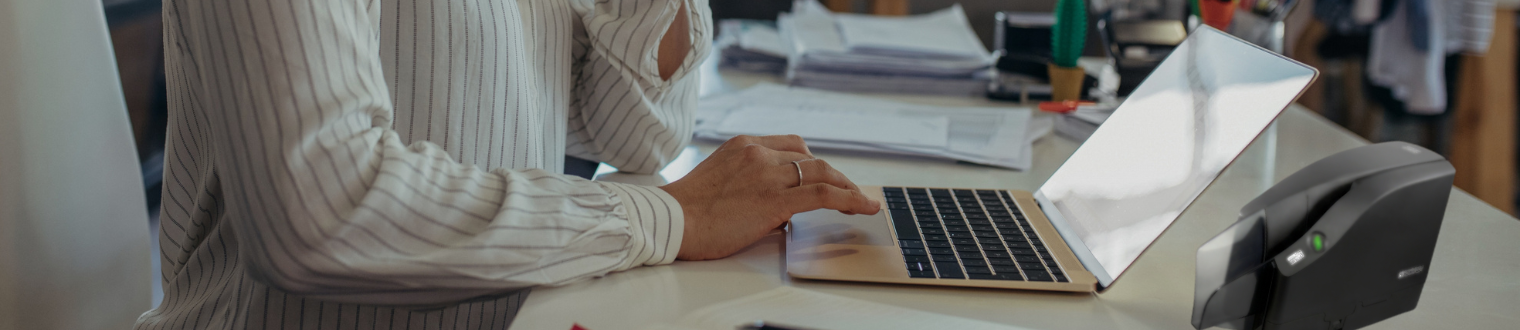
Deposit checks from your business using a secure desktop scanner. Scan your checks and submit your deposit electronically to Midstates Bank—on your schedule, not branch hours.1
Connect with a Business BankerWhat is Remote Deposit Capture?
Remote Deposit Capture is a service that lets businesses deposit checks electronically using a secure desktop scanner. It's an easy way to streamline your deposit process, save time, and reduce trips to the branch.
How Remote Deposit Works For You
Scan from Your Office
Scan checks and make deposits without leaving your office.
Manage Cash Flow
Get deposits moving sooner to help manage cash flow.
Searchable Check Archives
Quickly find past checks and payment records.
Let's Simplify Your Deposits.
A Business Banker can help you determine if Remote Deposit fits your needs and guide you through setup and pricing.
Connect with a Banker or call 888-910-9707
Start the ConversationFrequently Asked Questions
Do I need special equipment to use Remote Deposit?
Yes — we'll install a dedicated check scanner at your office as part of setup. It connects to your existing computer network, so there's no separate line or complicated IT work on your end.
Is there a limit to how much I can deposit?
Deposit limits are based on your business, account type, and deposit activity. Your deposit limit will be established during setup and can be reviewed as your business needs change.
How fast will deposited funds be available?
Availability depends on the size and timing of your deposit, but Remote Deposit generally gets funds into your account faster than a traditional in-person deposit, especially compared to waiting for a branch visit or mail delivery.
What happens to the physical checks after I scan them?
After scanning, you’ll retain the original checks for a designated period before securely destroying them. You’ll receive specific check retention and destruction guidelines when your service is set up.
Is Remote Deposit Capture secure?
Yes. Check images are transmitted securely, and access can be assigned to authorized employees based on your business’s needs. You control who can access the service and submit deposits.
Are there fees for Remote Deposit Capture?
A Business Banker can give you current pricing based on your account and deposit volume.
Can multiple employees use Remote Deposit Capture?
Yes. Multiple employees can be assigned access, allowing your business to designate who can prepare and submit deposits.
Can my business use multiple scanners?
Yes. Multiple scanners may be available based on your business’s needs, locations, and deposit volume. We can help determine the right setup for your business.


Take your business further with a business credit card.
Gain flexible purchasing power, higher limits, and online reporting tools to track spending—with no fee for additional employee cards.2
1 Fees may apply for Remote Deposit Capture services. Contact a Business Banker for current pricing and eligibility requirements.
2 Elan™ Credit Cards is an added benefit to the clients of Midstates Bank. The relationship of this service is solely between cardholder and Elan™ Visa® Credit Cards.